Category: Uncategorized
Guest, David Kiley
Mario speaks with David Kiley, Editor-in-Chief, AOL Autos
Tune in Fri 10p est ABC 20/20 Special about online crimes that could happen to you!
Hey everybody thanks for stopping by to read this post. It’s important to me for several reasons and I appreciate you taking the time out.
Earlier this year, ABC 20/20 had asked me to be a part of their “WebAvengers” team for this show. We are a group of people dedicated to helping protect you from online scams. (read more about the WebAvengers here: http://abcnews.go.com/2020/We_Find_Them/ )
This Friday 10p EST a very important show special “We Find Them” will appear on ABC 20/20 with Chris Cuomo. The special will show you how people are using technology to ruin lives, reputations and execute online dating scams.
Many of you you who have been with me over the years know I’m all about making sure people learn about how you can use tech to better your life. Unfortunately, there are people who use tech to hurt our lives. Please tune in so you can gain some exposure to the seriousness of the problems, how this can easily happen to you or someone you know and tips on how you can fight back or prevent it! Take a look at the video below to get a taste of the show-then tell, tweet, text, email, Fbook your friends to tune in.
Here are a few reasons:
– If you know someone who is dating they need to tune in!
– If you are worried that your family or kids are putting too much on line you should tune in!
– If you want to understand some of the real challenges living in today’s connected society, tune in!
– If you want tips and advice on how you can prevent or minimize these online crimes from happening to you, tune in!
– If you or someone you know is a teacher they should tune in!
– If you think I’m overhyping this and it’s not that big of a problem, you definitely need to tune in!
Guest, Chris Cuomo
Chris Cuomo from ABC’s 20/20 joins the Mario Armstrong Show.
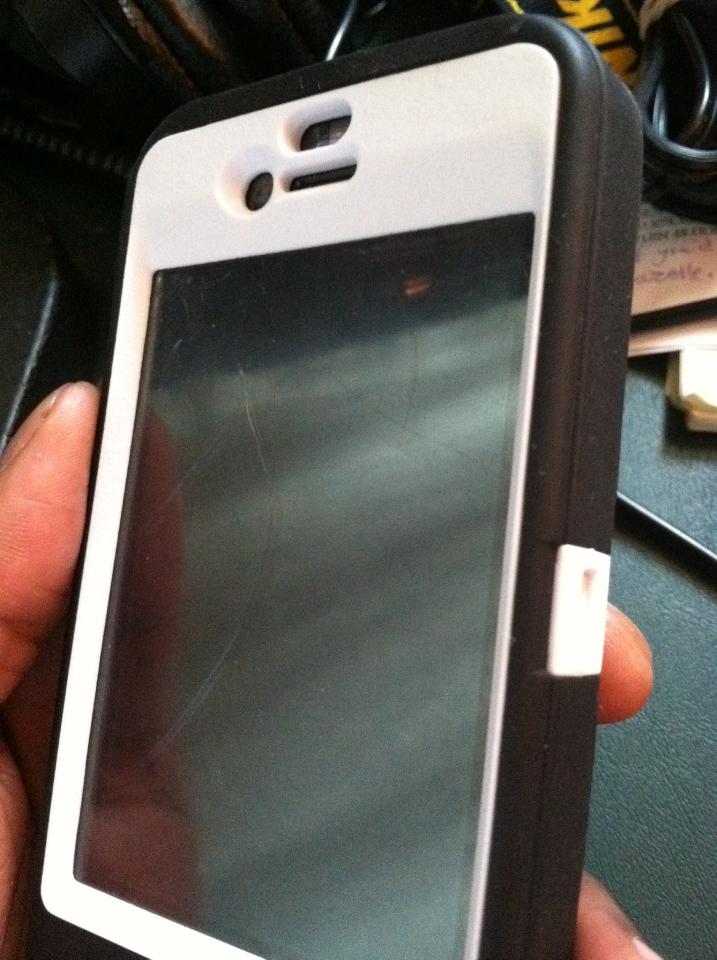
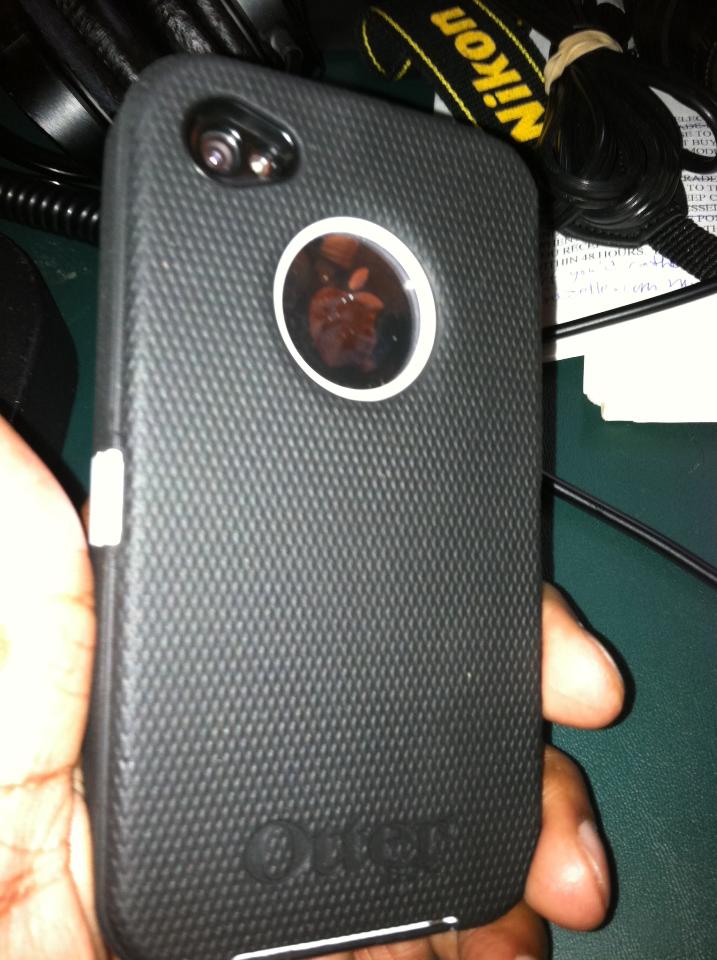
My Busted iphone with a new “Fathers Day” case
Yes, I finally did it! Everyone has at some point but some of us are more fortunate or were better prepared! I’m speaking of dropping your cellphone! Well recently, I didn’t follow my own damn advice and paid for it! I ALWAYS tell people protect your tech investments (computers, tablets, mp3 players, phones anything with a screen) and the one time I take my cover off I pay for it. my iPhones front screen is cracked but it’s still usable. Eventually, I’ll get it to MacMedics for repair BUT in the meantime everyone get yourself the best ruggedized case out there from OtterBox. My wife must have been listening to one of my shows because this past Fathers Day i was hooked up — if only I had this a few days before – LOL
Monday’s App Roundtable
Memorial Day Special
Guest, Gary Carter
Mario speaks with Gary Carter from Assurance Wireless, a division of Sprint.
Guest, Johnathan Holifield, CEO, Black Innovation
Johnathan Holifield, CEO, Black Innovation joins the Mario Armstrong show to talk about entrepreneurship and innovation.
Meetings suck! Use these 2 tools to help your meetings be productive!
Meetings when done poorly are a total waste of time, non-productive and can be demoralizing to employees. I can’t fix how you run your meetings BUT I can share with you 2 technology tools that I think can help you be more productive in meetings and make it easier to schedule them.
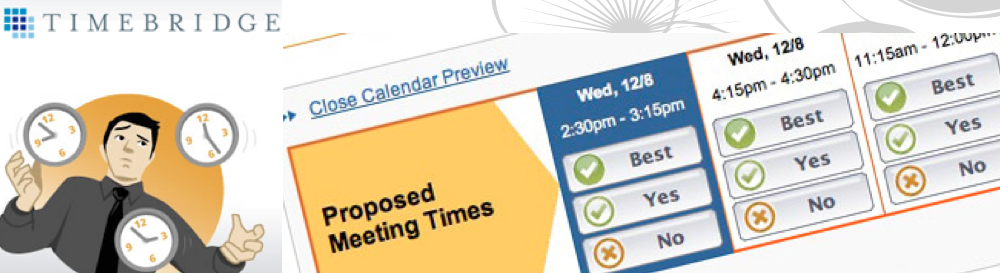
 #1. Make scheduling meetings painless & stop herding cows!
If you are like me I can’t stand when people send emails back and forth trying to tie down an agreed upon meeting time. This becomes incredibly non-productive when you have multiple parties that you are trying to schedule. People are way too busy for this and YOU don’t have time for this back and forth non-sense and neither does your admin staff. So, I use TimeBridge-it’s a free service that enables you to send 1 email with multiple times for people to choose and the software finds a time everyone can make! That’s it done! 1 email and your golden! And the mobile app is pretty awesome too with features like agenda review and the ability to notify the organizer right through the app if you may be a few minutes late. Not to mention this cuts down on the tremendous amount of email waste we all are consistently fighting.
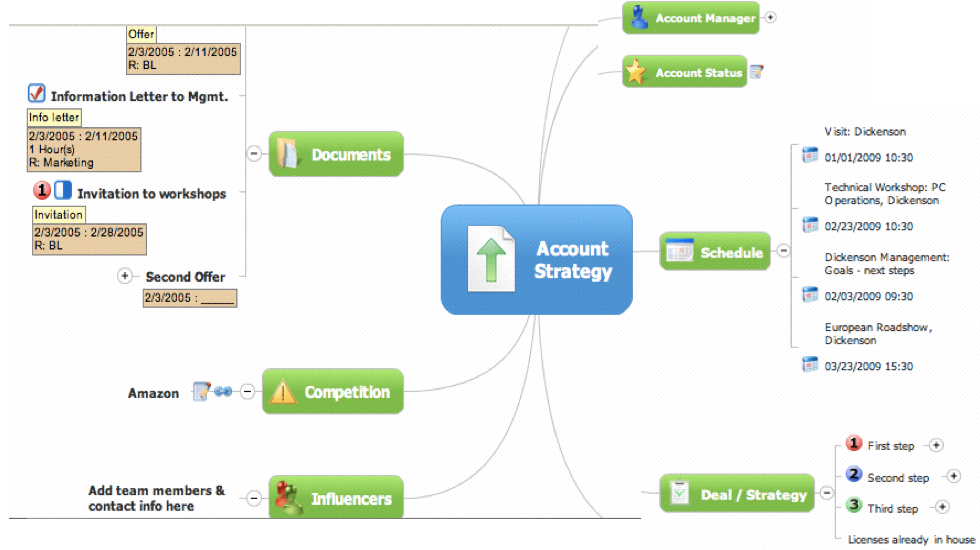 #2. Visualize the meeting using Mind Mapping!
Once you have the meeting set, now is the time to figure out how you can get the most productivity out of it! Have you established clear objectives, did you send out the description and agenda in advance and have you asked people to bring any specific elements with them etc…? Now that everyone is gathered the main challenge is capturing what transpires in the meeting and capturing it in a way that’s productive! I’m sorry but using a flip chart isn’t productive, using a whiteboard not better either, using Word is ok but flat and for these reasons that’s why I like to use Mind Manager. Now, maybe it’s because I’m a visual learner but this software enables you to capture meeting notes as it happens in a visual manner, this way it is very clear what took place, what the action items are and what’s more is that you can easily import your mind map into Word if you really want that doc. My favorite feature is that you can export the mind map into your presentation software Keynote (Mac) or Powerpoint (Windows) and it instantly begins to build out all of your slides in the proper order that the meeting happened – it’s unbelievable and a major time-saver. Literally moments after your meeting you can have a presentation ready to present – trying doing that on a whiteboard. FYI–Mac users there is a new release coming out June 23rd take a look at the new iPhone and iPad features they are releasing and here’s a video demo of how it works:
This is a community, so YOU tell US what you use to make meetings more productive. I’d love to see your tips and ideas in the comments!